
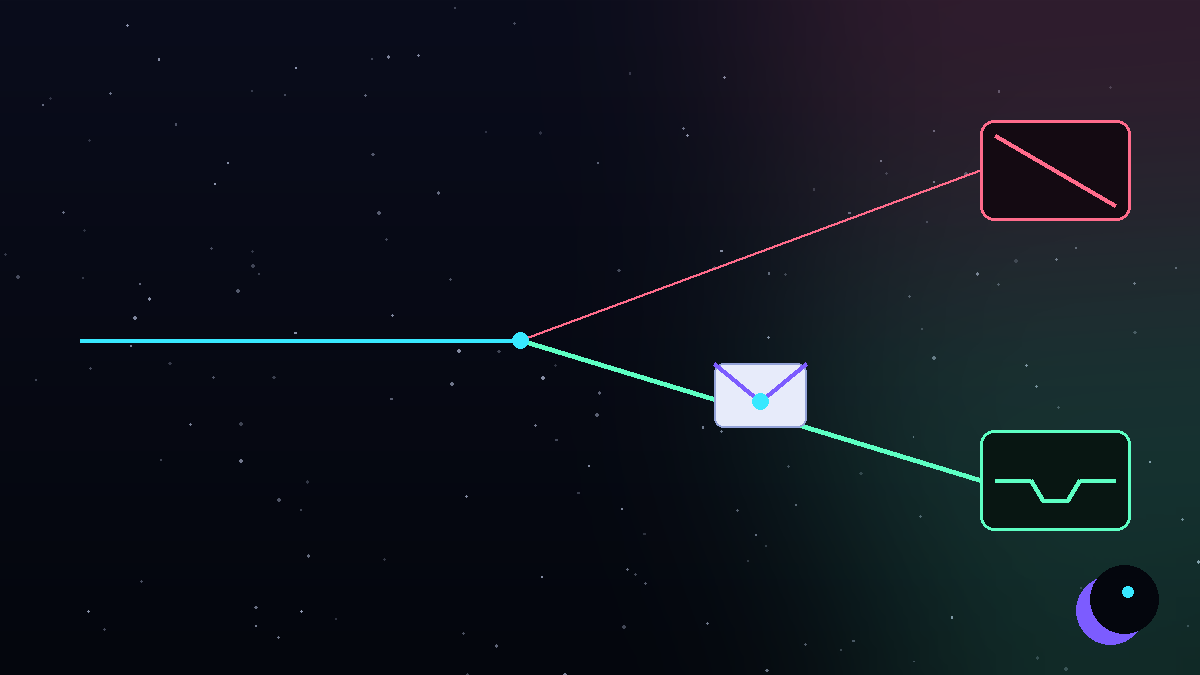
You wrote a good email. The list was relevant. The offer was real. And the reply rate is a flat zero - because the email never reached a human. Somewhere between your "send" and their attention sits a spam filter, and it voted no.
The bad news: spam placement is rarely caused by one mistake. The good news: it's almost always caused by the same short list of mistakes, and every one of them is fixable. Here is the list, in the order we check it on every deliverability audit.
How spam filters actually decide
Gmail and Outlook don't read your email the way a person does. They score the sender first and the content second. Four signals dominate:
- Authentication - can the receiving server verify you are who you claim to be? (SPF, DKIM, DMARC)
- Reputation - what does the history of your domain and mailbox look like: bounces, complaints, volume patterns?
- Engagement - do recipients open, reply, move you to Primary? Or delete and report?
- Content - links, attachments, trigger phrasing, HTML weight.
Most teams obsess over #4 and ignore #1-#3. That's backwards: a trusted sender can write almost anything; an untrusted sender can't even deliver "hello".
Reason 1: missing or broken SPF, DKIM and DMARC
Since 2024, Gmail and Yahoo formally require authentication from bulk senders. Without correct records you don't get a warning - you get the spam folder, silently.
- SPF authorizes the servers allowed to send for your domain.
- DKIM cryptographically signs each message so nobody can tamper with it.
- DMARC tells providers what to do when a check fails - and that you take spoofing seriously.
The fix: set all three on every sending domain, verify them with a real test (not just "the DNS record exists"), and re-verify after every DNS change. Start DMARC at p=none, monitor the reports, then tighten. This is a 30-minute job that ends months of mysterious filtering.
Reason 2: you skipped (or rushed) the warmup
A brand-new mailbox has zero reputation. If its first act is sending 200 cold emails before lunch, every model at Google flags the pattern - because that is exactly what spammers do.
Proper warmup takes 3-4 weeks: small human-like volumes, real back-and-forth conversations, gradual daily increases. There is no tool, trick or paid shortcut that compresses trust-building into a weekend.
The fix: if a domain has already been burned by a rushed start, resting it sometimes helps - but usually the honest answer is fresh domains and a warmup done right this time.
Reason 3: a dirty list
Bounces are the loudest negative signal you can send. Above roughly 2-3% bounce rate, providers begin treating all your mail as suspicious; spam-trap addresses (dead mailboxes kept alive specifically to catch careless senders) are even worse.
The fix: verify every address before every campaign - syntax and domain checks, then SMTP verification, then a deliberate decision about catch-all risk. Cut role accounts (info@, office@) and anything stale. A smaller clean list beats a big dirty one in every metric that reaches revenue.
Reason 4: too much volume per mailbox
Providers don't just count how much you send - they count how much each mailbox sends. One account blasting hundreds of emails a day pattern-matches to a spammer; several accounts sending a conservative daily amount look like a normal sales team.
The fix: cap each mailbox at a low daily volume (we cap ours around 25) and scale by adding domains and mailboxes, never by pushing a mailbox harder. Volume discipline is invisible when it works and catastrophic when it's missing.
Reason 5: your copy is shouting "campaign"
Content matters less than reputation - but it still matters, especially for new senders. The classic tells:
- links and attachments in the very first email
- tracking pixels and heavy HTML templates
- ALL-CAPS subjects, "FREE", urgency theatrics
- the same identical paragraph sent 5,000 times
The fix: first emails should be short (under 90 words), plain-text, no links, written to one specific reader about one specific problem. Earn the right to share a link in the reply. If a busy stranger wouldn't thank you for the email, rewrite it.
Reason 6: you're sending from your main domain
Even if you fix everything else, cold outreach carries inherent risk - some bounces, some complaints, the occasional bad day. If all of that lands on the domain your invoices, contracts and support run through, one rough campaign can poison your entire company's email.
The fix: never send cold email from your primary domain. Register separate lookalike sending domains, warm them, authenticate them, and rotate them if metrics drift. Your brand domain stays pristine forever. (This is rule #1 of our managed infrastructure - non-negotiable.)
Reason 7: you're not measuring placement
"Delivered" in your sending tool does not mean "inbox". It means the receiving server accepted the message - which includes accepting it straight into spam. Teams routinely run campaigns for months without knowing 60% of their mail never had a chance.
The fix: run inbox-placement tests against seed lists across Gmail, Outlook and the rest - before launch and continuously after. Watch blacklists weekly. If a domain starts slipping, rest or rotate it before it's burned.
The fix, as a checklist
- SPF, DKIM and DMARC configured and verified on every sending domain
- Cold email never leaves your primary domain - lookalike domains only
- Every new mailbox warmed for 3-4 weeks, no exceptions
- Every list verified before every campaign; bounce target under 1%
- Hard daily cap per mailbox; scale with more mailboxes, not more pressure
- First emails: under 90 words, plain text, no links, one question
- Stop sequences instantly on any reply
- Inbox placement tested continuously, blacklists watched weekly
- Suppression lists so customers and past prospects never get cold mail
Deliverability isn't a setting you toggle. It's a set of habits - and the habits compound.
Or skip the homework
This checklist is exactly what we run for clients every day: infrastructure, warmup, verification, monitoring, copy tuning - on our own campaigns it currently holds an inbox placement of 98.7%. If you'd rather spend your time replying to leads than reading DMARC reports, book a free 30-minute strategy call - or test your reflexes against our spam filters in Inbox Run first.
Want this handled for you? Moongie runs managed cold email infrastructure, LinkedIn growth and high-converting landing pages. Book a free 30-minute strategy call - or win our playbook in the Inbox Run game.